Route screenshots
Use these views to recognize deck access on Small Oil Rig and the helipad and patrol boat on Large Oil Rig.
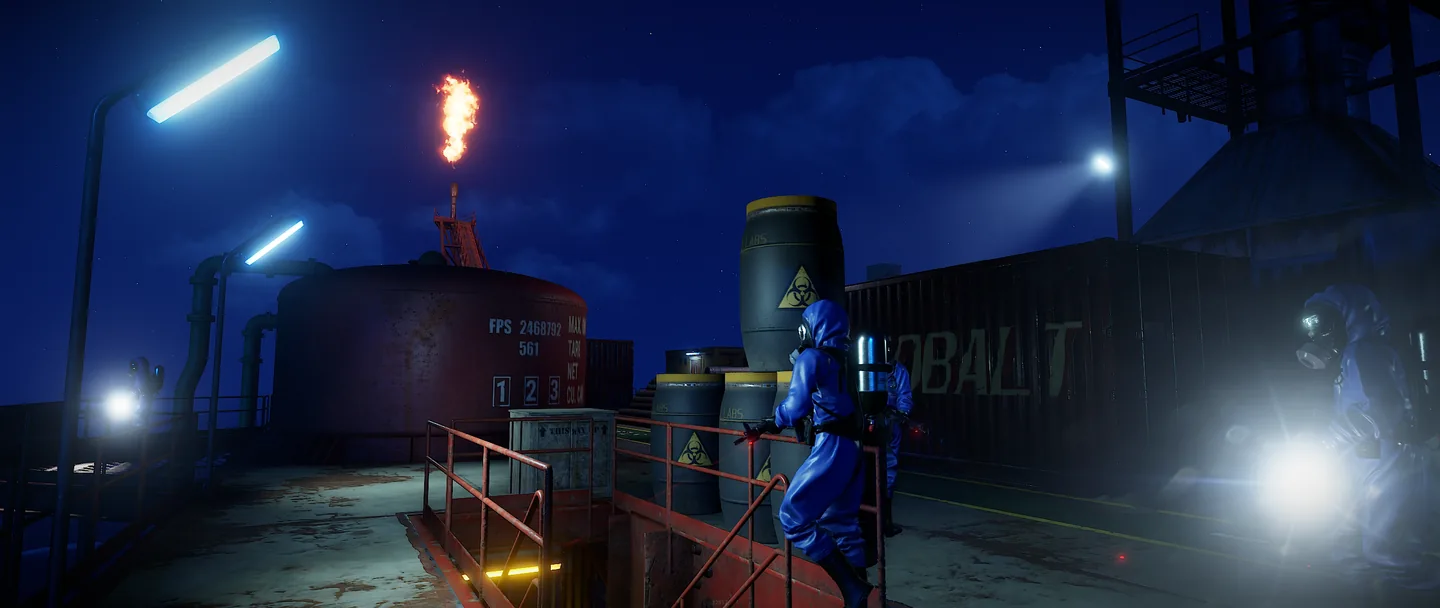
Small Oil Rig deck stairs
After boarding at the lower dock, look for the rail-lined stairs that connect the decks. Remember the way back to your boat.
Screenshot by Facepunch
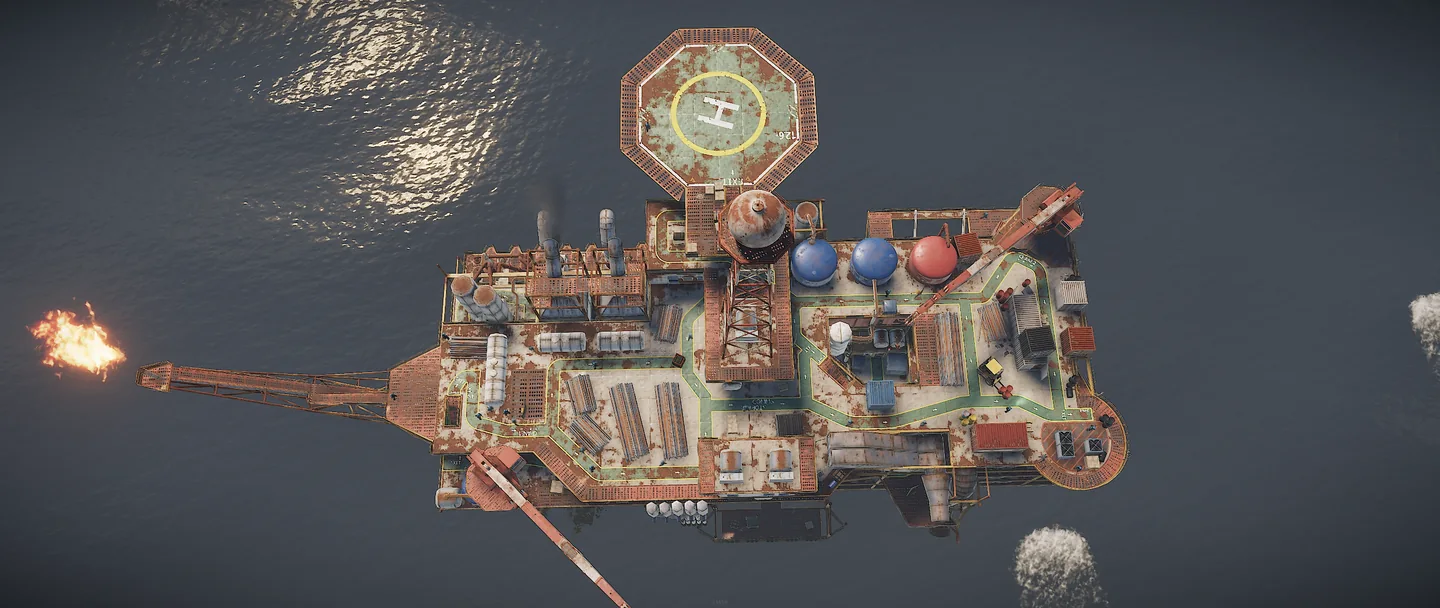
Large Oil Rig helipad
Find the round platform above the decks. Watch the pad from cover after you start the crate hack and the heavy-scientist helicopter is on its way.
Screenshot by Facepunch
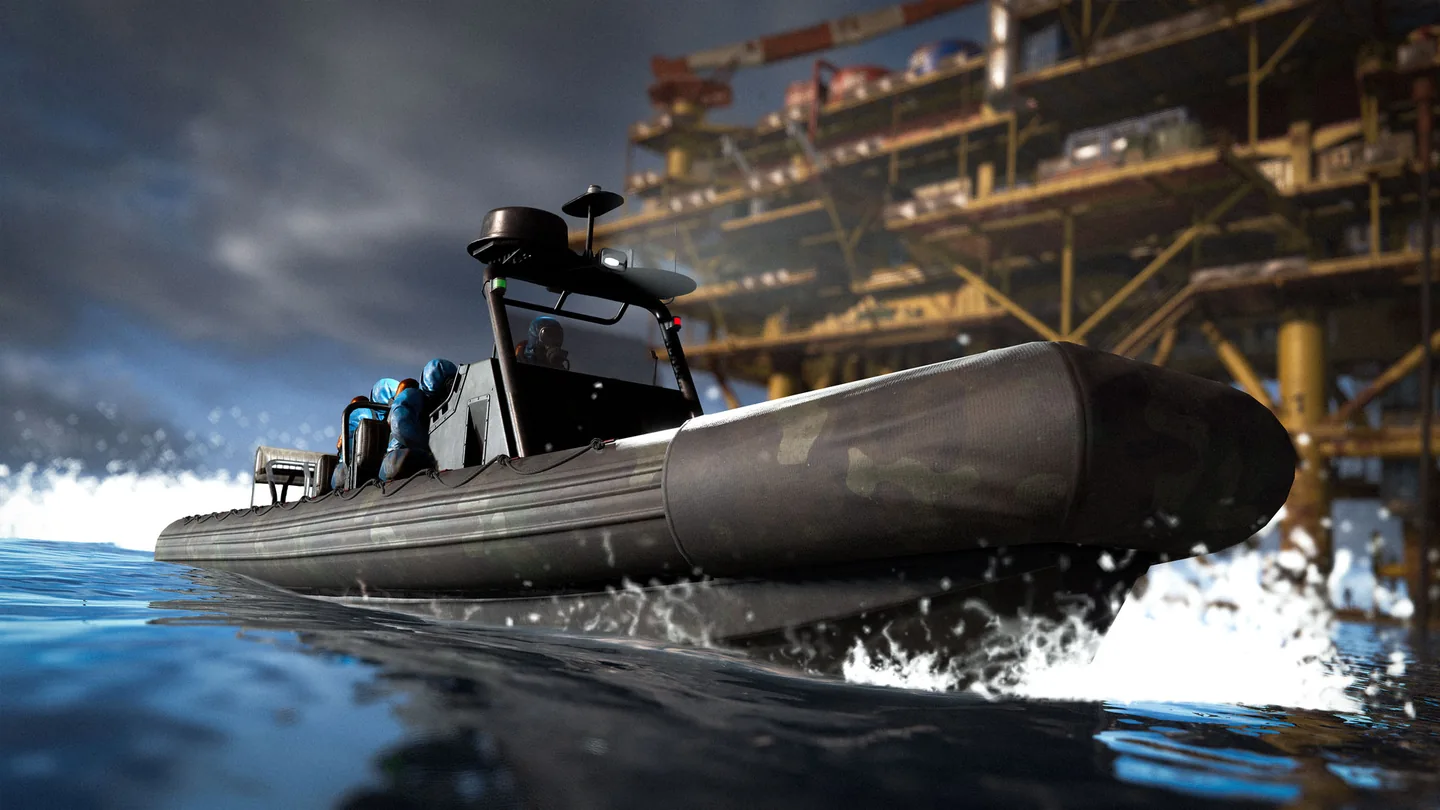
Large Oil Rig patrol boat
Watch the waterline on approach and before leaving. Scientists can patrol the water around the rig aboard this RHIB.
Screenshot by Facepunch
Small and Large Oil Rig are offshore monuments with armed scientists, card rooms, and a locked crate that triggers a heavy-scientist event. Check the map and plan the trip back before boarding.
Small versus large
| Rig | Card rooms to plan for | Approach |
|---|---|---|
| Small Oil Rig | Blue and red | Use the dock, clear upward deck by deck, then check access to the crate. |
| Large Oil Rig | Green, blue, and red across separate rooms | Choose cards for the rooms you intend to loot. Learn the route between the dock, ladders, and helipad. |
Bring a seaworthy boat and fuel, or a helicopter with a clear landing plan. Stock healing, ammunition, and a way to retreat if another crew contests the rig. Pack a fuse only if your planned room calls for one.
Locked crate and heavy scientists
Clear the scientists already on the platform before starting the hack. Activating the crate starts the timer and calls in heavy scientists by helicopter. Use cover and watch for other players approaching while you wait. The default timer is 15 minutes, and community servers can change it.
Loot the crate when the timer finishes. Leave through the route you planned rather than spending the return window sorting every item on deck. See Keycards and Puzzles to prepare cards and Armor to build your kit.
Facepunch Oil Rig overview · Default crate timer · Rig rooms · Game-file event guide
Values checked against the November 2026 update. Facepunch rebalances often; check patch notes if something looks off.
Tips & tricks
Check the dock camera from shore
At a Computer Station, use OILRIG1DOCK for Small Oil Rig or OILRIG2DOCK for Large Oil Rig. The matching helipad feeds are OILRIG1HELI and OILRIG2HELI.
Oil Rig camera and room dataPack cards for the rooms you want
Both rigs have separate green, blue, and red rooms. Pack an Electric Fuse if you also want to open the dedicated fuse room.
Large Oil Rig game dataCheck adjacent decks when smoke goes up
Scientists may use smoke or take another route. When holding a stairwell during the crate hack, watch the next deck and keep your way back to the dock clear.
Facepunch · Naval