What to bring
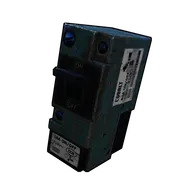
Bring warm clothing, radiation protection, and healing. Check that your Blue Keycard has two swipes left if you want both garages.
Route screenshots
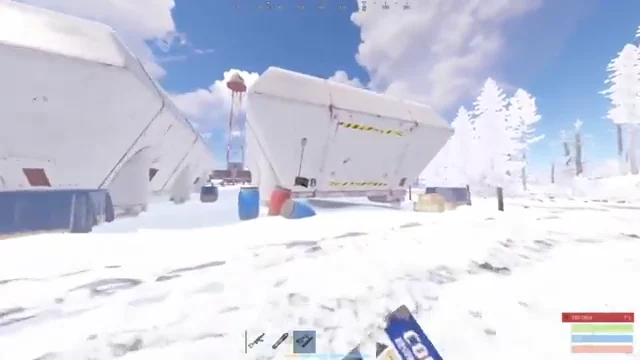
Head for the two garage doors near the radar dome. The left garage has the Red Keycard, and the right garage holds the snowmobile.
Step 1
Find the paired garages
Use the radar dome to orient yourself. Look for the two broad, angled garage doors and check for patrolling scientists before approaching.
Step 2
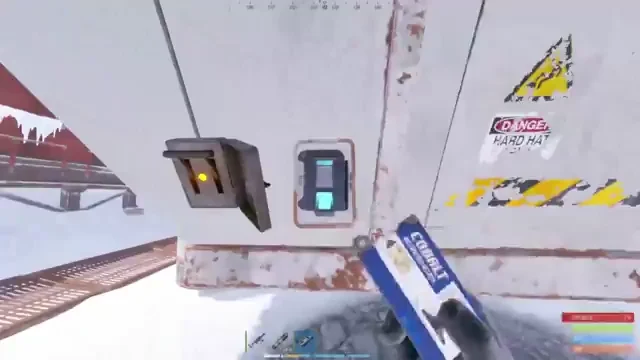
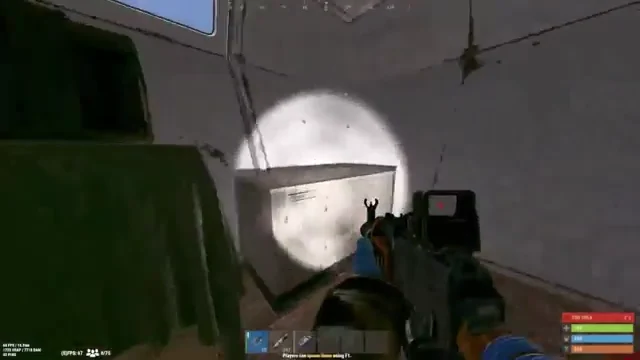
Swipe at the left garage
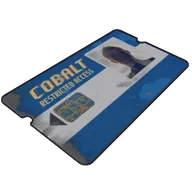
Face the pair of doors and start at the left-hand garage. Swipe your Blue Keycard at the small illuminated reader beside its door.
Step 3
Look at the back for the Red Keycard
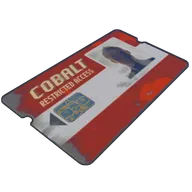
Walk to the rear of the loot garage. Check the low box beside the shelves for the Red Keycard and Blueprint Pages, then collect the nearby crates.
Step 4
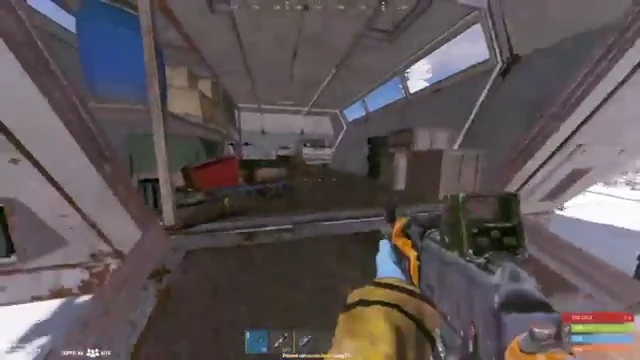
Open the snowmobile garage
Optional. Swipe the right-hand garage with the same card if it has another use left. Check the snowmobile’s fuel before driving out.
Gameplay screenshots by NV Infamous
Plan your two swipes
Each garage has a separate blue reader. If the card has one swipe left, use it on the loot garage. If you plan to take the snowmobile as well, leave room for fuel and check its tank before leaving.
Use your Red Keycard
The card opens higher-tier routes such as Military Tunnels and Launch Site. For another blue-card run, try Water Treatment Plant.
Arctic Research Base game data · Garage walkthrough · Facepunch Arctic Update
Tips & tricks
Clear the yard before swiping
Check the open paths between labs and garages for scientists. Use the buildings for cover before you stand at a reader.
Facepunch · Arctic UpdateSave a swipe for the snowmobile
Each garage has its own blue reader. Spend your last swipe on the left-hand one if your goal is the Red Keycard.
Arctic Research Base game dataPack fuel if you plan to drive out
Snowmobiles take Low Grade Fuel. Check the tank when you board, especially if another player reached the garage first.
Facepunch · Arctic Update